Blog ·August 1, 2026 ·Spicer Matthews
Harbor is here
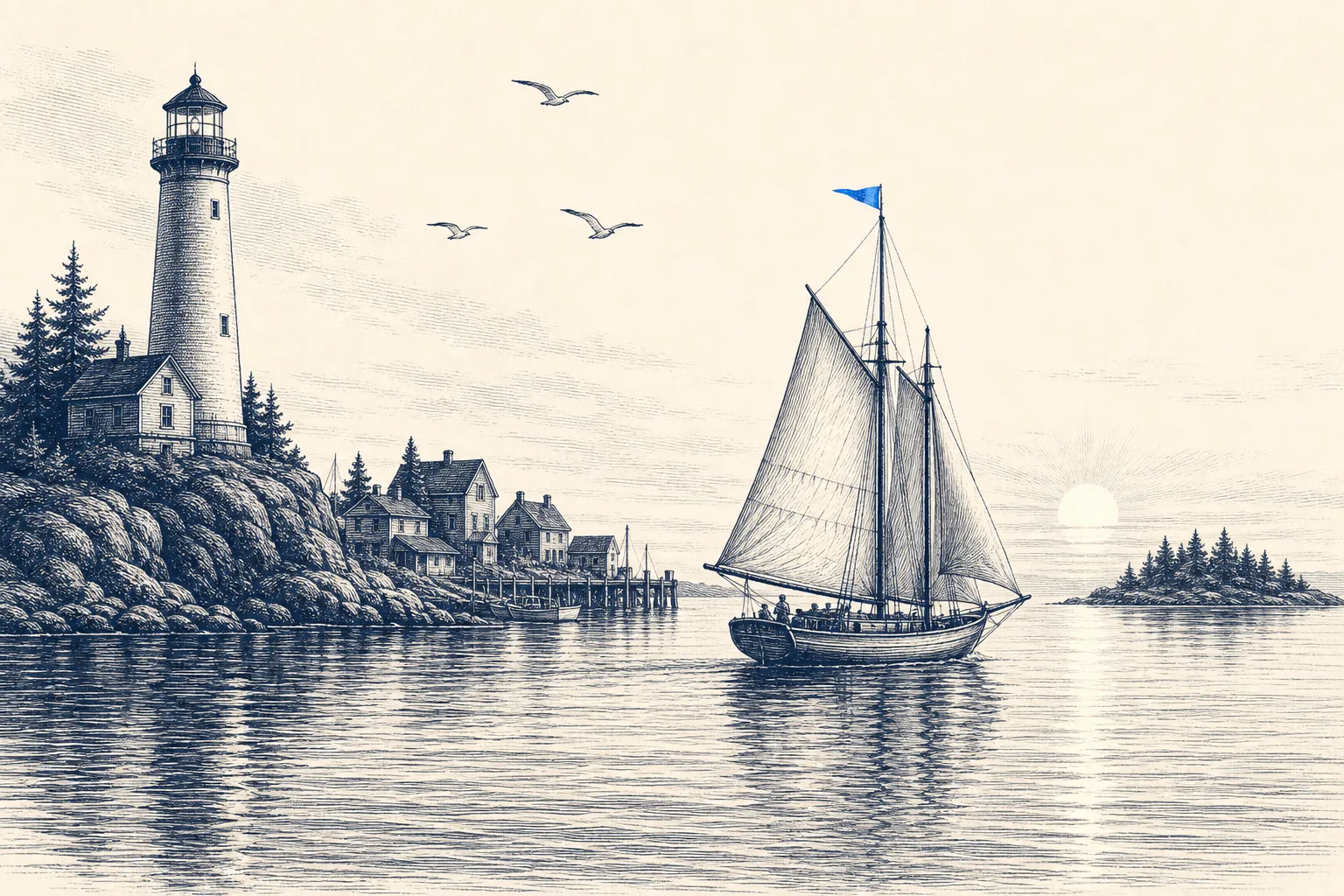
The doors are open.
After months of building in public — writing down every commitment before we’d earned it, and then going quiet and shipping — Harbor is live. It’s the private, offline-first home for your whole digital life, and the whole point is simple: it’s yours, and it stays yours.
If you’ve been waiting, start free — no credit card, and every app signs into the same library.
The promise we set out to keep
You built a second brain once. Every note, every scanned bill, your kid’s drawings, the recording of the meeting you’ll need three years from now. Then the app you trusted with it got sold, got slower, doubled its price, and left your years of life sitting on someone else’s servers in plain text. That’s not a second brain — that’s a hostage situation.
We thought the original promise was right and someone just had to actually keep it. So we did. Today you can use it.
Everywhere you work — and we’ll be honest about the rest
Harbor isn’t one app with a bunch of afterthoughts. Every client is built in the most native, low-level way we could manage — no Electron, no web page in a costume. Fast to open, light on your machine, and it won’t quietly eat your RAM or your disk.
Live today:
- Mac and Windows — real desktop apps, including a native Windows on ARM build.
- The web app — a genuine app in your browser with a real database inside it, so even the web works offline. Install it as a PWA and it behaves like a native app.
- The Web Clipper for Chrome, Firefox, and Safari — save a clean article, a full page, a bookmark, or a screenshot straight into your notebooks, and annotate or redact before it lands.
- For developers — a real REST API, a CLI, and an MCP server, so your tools (and your AI) can read and write your Harbor directly.
And the honest part, because honesty is the whole brand: the iPhone, iPad, and Android apps and the Microsoft Edge clipper are finished and submitted — they’re just sitting in store review, which runs on the stores’ schedule, not ours. The moment they’re approved, they light up. Tap any of those on the download page and you can leave your email; we’ll tell you the second each one goes live.
Capture your everything
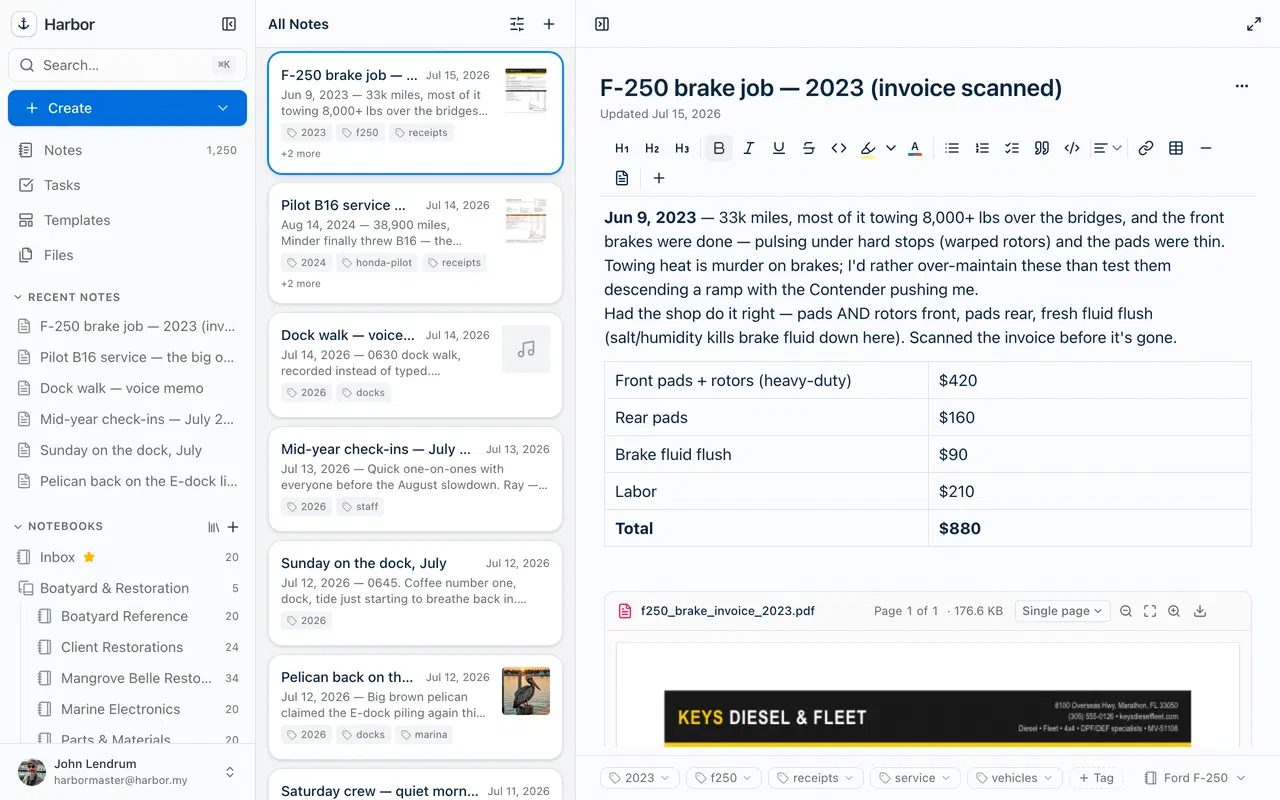
Notes and notebooks are the model you already understand — no markdown to learn, no clever tag system to fight. But Harbor holds far more than typed text:
- Scan documents with your camera, snap photos, save PDFs, record audio, and clip the web.
- Email notes in to your own private
@m.harbor.myaddress. - Keep tasks, reminders, and templates right alongside your notes.
Then find any of it in seconds. Harbor runs OCR on your files so search reaches the words inside photos, scanned PDFs, and even handwriting. Ask for it and a recording is transcribed — with speaker labels — and can be summarized. Search doesn’t stop at what you typed; it reads what you saved.
Private, actually — not as a marketing word
No ads. No selling your data. No ad trackers anywhere. And we never train AI on your notes, ours or anyone else’s.
On top of that, Harbor offers optional zero-knowledge encryption — a lock you turn on per note or per notebook. Your content is encrypted on your device before it ever reaches us, so we truly cannot read it. We’ll always tell you the trade-off plainly: an encrypted note drops out of OCR, out of search, and out of reach of any AI. So you lock down the sensitive things, and everything else stays fully powered.
Bring your own AI
You probably already have an AI you trust. Connect it to your Harbor through the API, CLI, or MCP server and let it search, add, and organize — on tokens you create and revoke. We’re not going to force a worse one on you to pad the bill.
There are two small built-in helpers if you want them — suggest a title for a note, or summarize a recording — and both are opt-in, one item at a time. Nothing sweeps through your notebooks on its own, and encrypted content is off-limits to all of it.
Move in without losing a thing
Leaving Evernote is one step: export your notes as ENEX, import them into Harbor, and your notebooks, tags, checklists, and attachments come across intact.
And the door out is just as wide as the door in. You can export everything — a full account export in any of our open formats — anytime. Stop paying and your notes don’t vanish; they stay, read-only and free, and you can still export or delete whatever you like. We want you to stay because Harbor is good, not because you’re trapped.
The deal
One plan. Harbor Unlimited — $9.99 a month or $99 a year, with everything included: every app, OCR search, encryption, the Web Clipper, the API and CLI. No feature-crippled tiers, no “Pro vs. Premium” maze. There’s a real free plan to start, and after you subscribe our price promise holds in writing: no increase for three years, capped at 10% a year after that, and a 30-day money-back guarantee if it turns out Harbor isn’t your place.
Built to still be here in twenty years
We’re not chasing an exit. We’re building the place we want to keep our own lives in, for the rest of our lives — and we’d like you to keep yours here too.
Anchored. Private. Yours.
Welcome aboard. Start free whenever you’re ready — and hold us to every word.