Web Clipper
Save the web to your second brain.
Clip an article, a full page, a bookmark, or a screenshot straight into Harbor — clean, organized, and ad-free. Chrome, Edge, Firefox, and Safari.
Free plan to start · No credit card
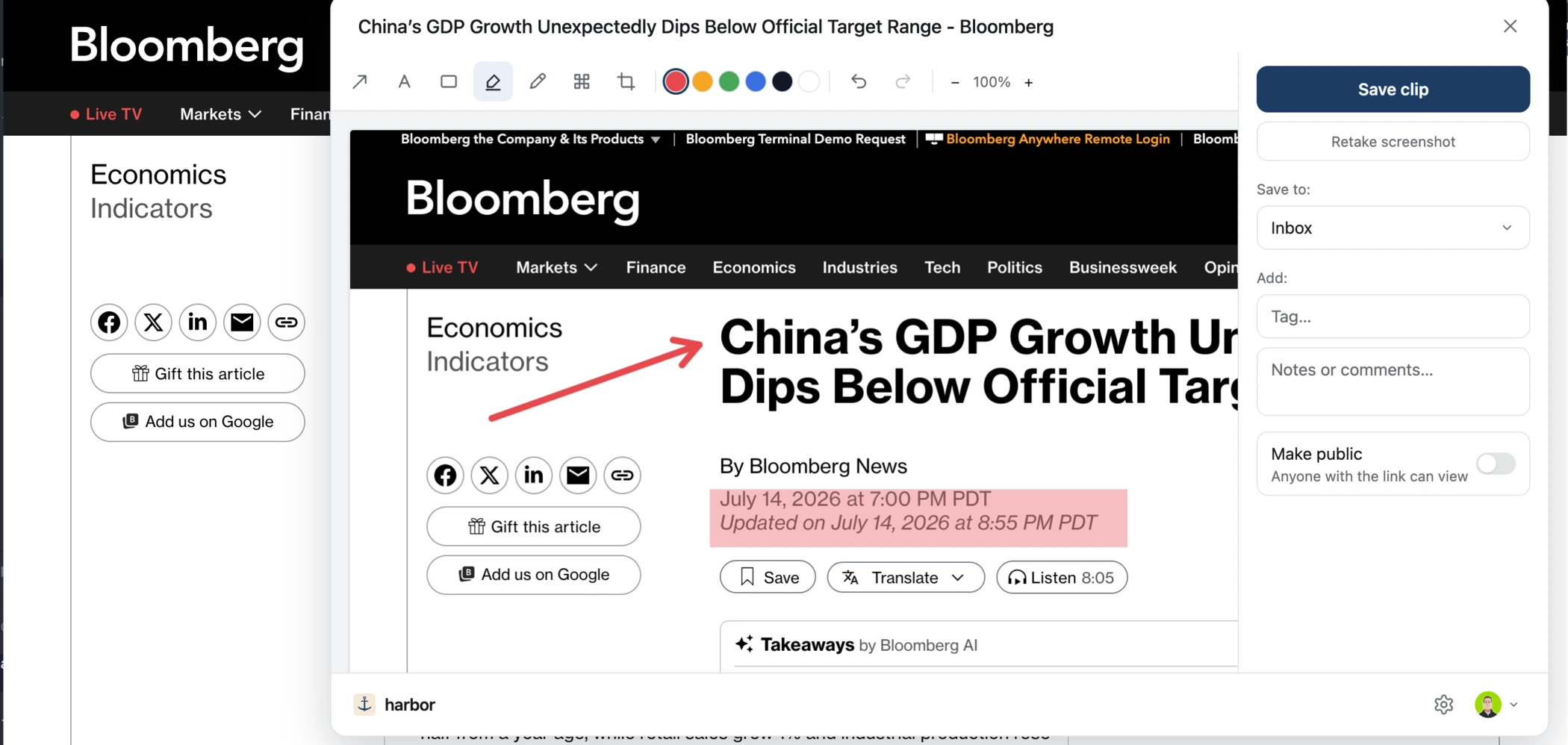
Four ways to clip
Article, full page, bookmark, or screenshot.
Simplified article strips the clutter and ads. Full page freezes the whole thing exactly as it was. Bookmarks save the link with context, and screenshots capture what you see.
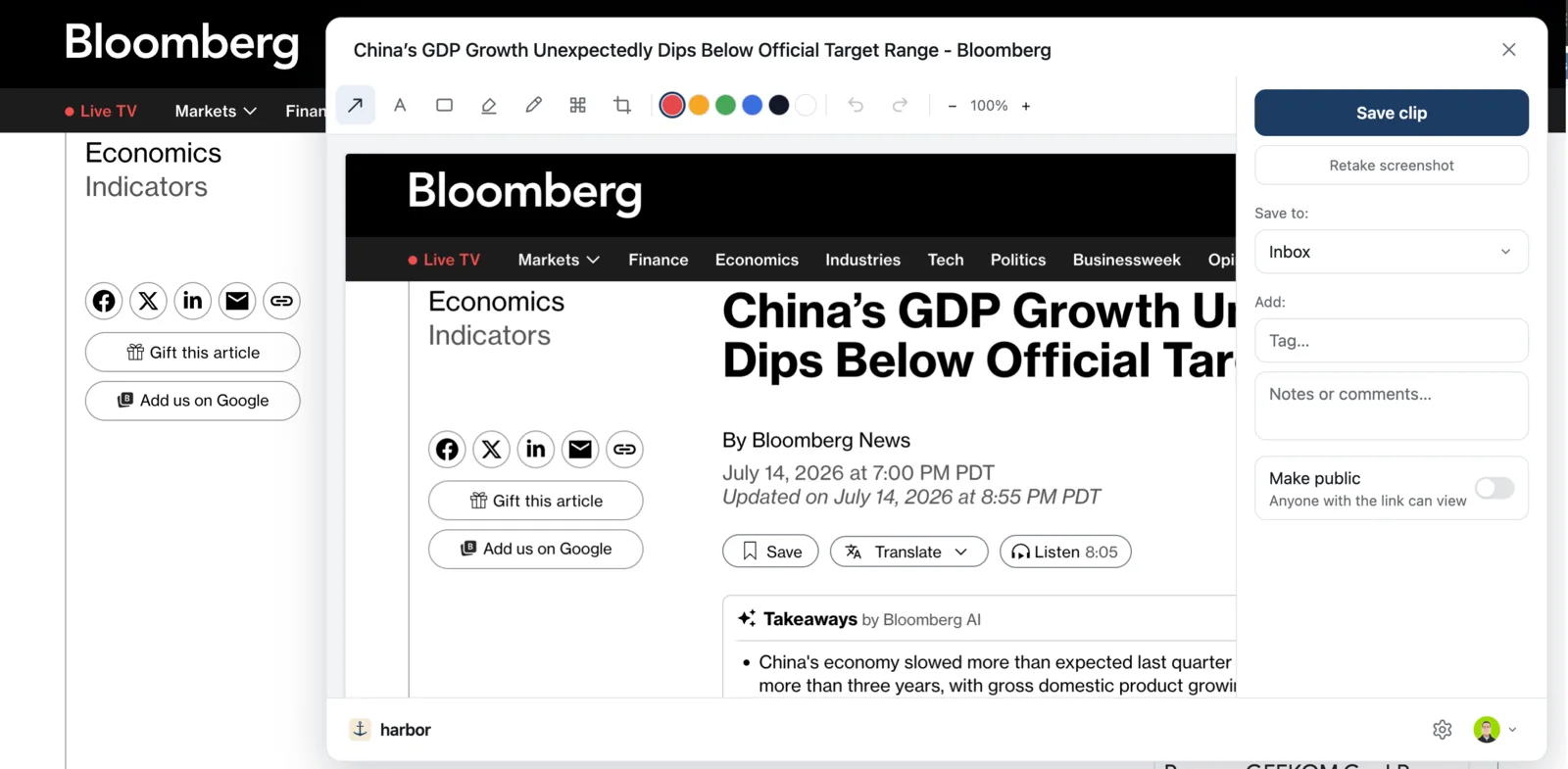
Mark it up
Point, highlight, redact.
Arrow, text, box, highlight, pen, crop — plus real, irreversible pixelate redaction for the parts that shouldn't travel.
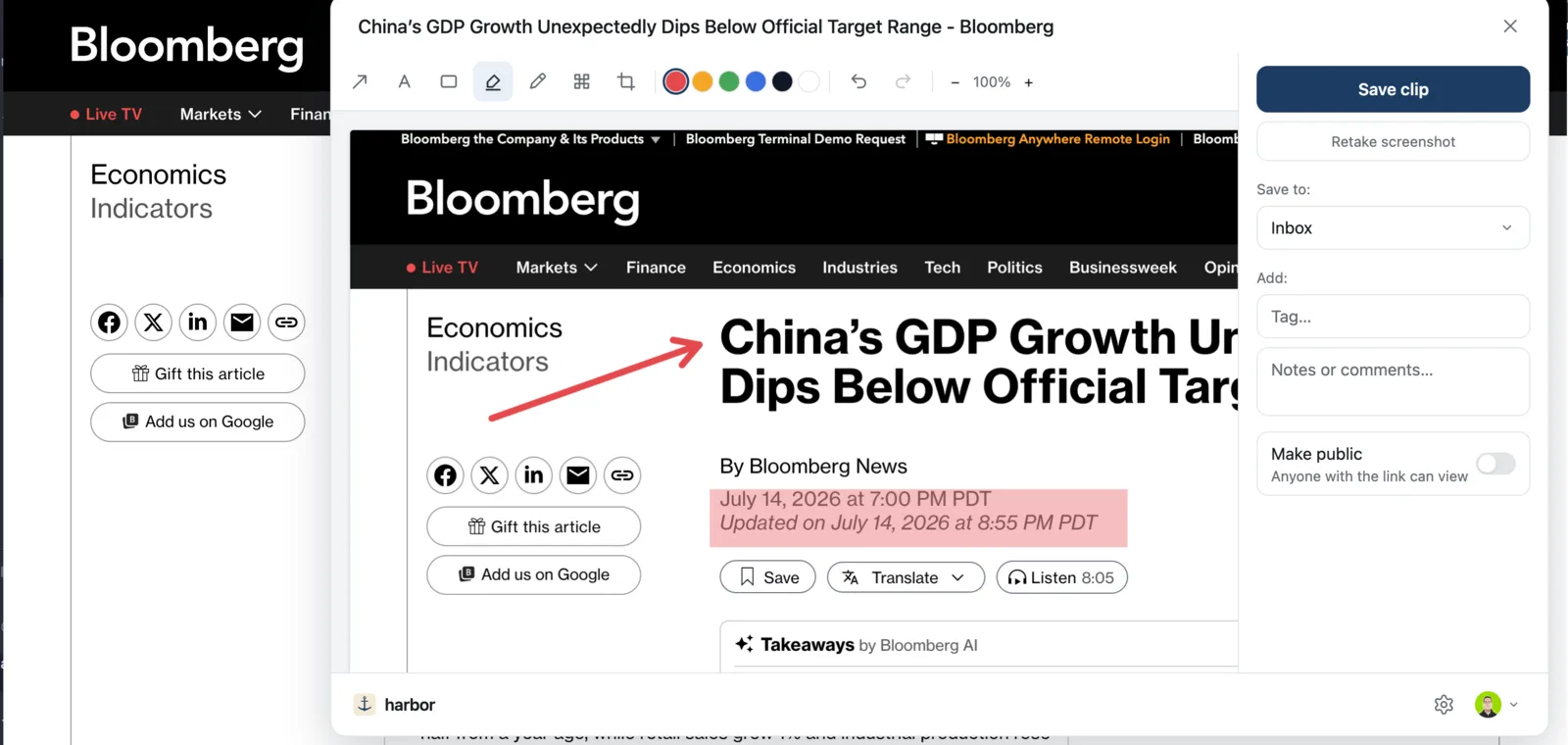
File as you save
Straight into the right notebook.
Pick a notebook, add tags on the fly, drop a comment — without leaving the page. Your clip lands filed, not in a pile to sort later.
Anywhere
From the toolbar, a right-click, or a keystroke.
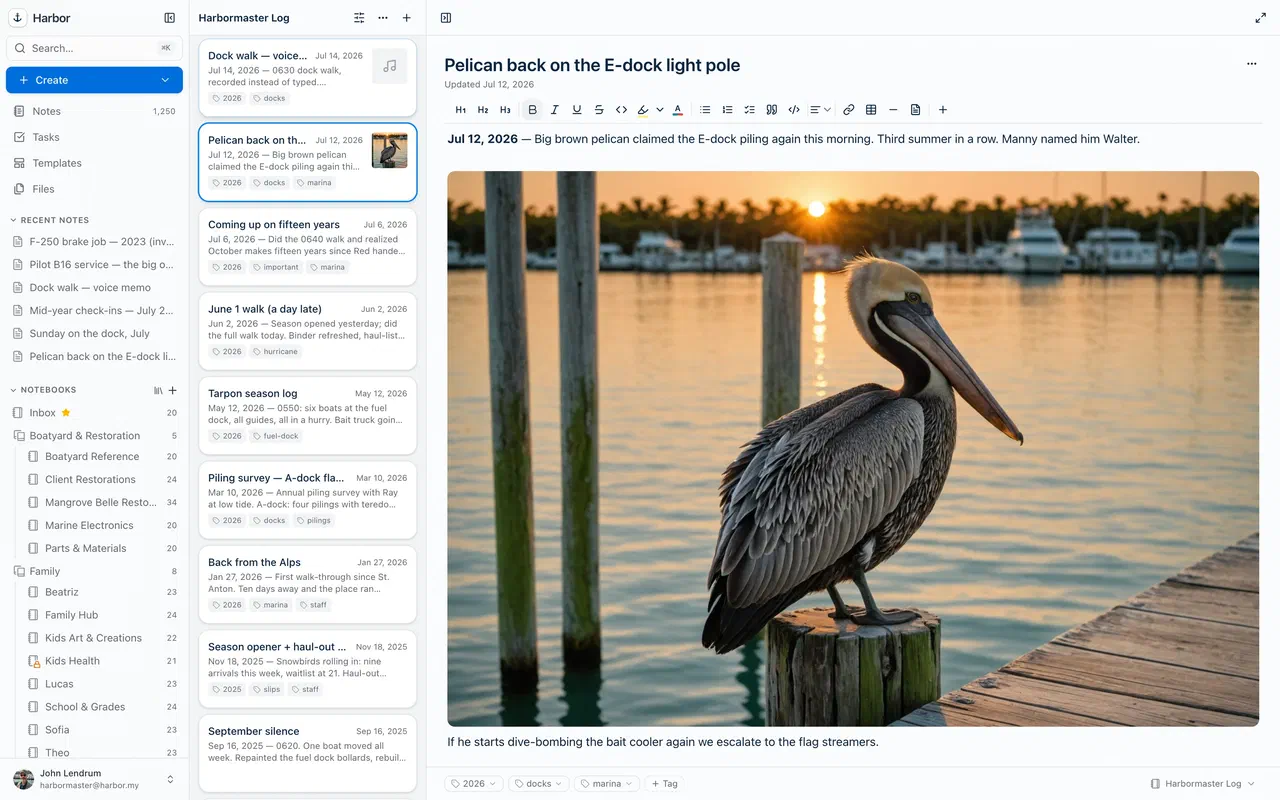
Clip however you browse. Once it's in Harbor it's OCR'd and searchable like everything else — readable years after the original page changes or disappears.
Common questions
Which browsers does the Web Clipper support?
Does the clipper track my browsing?
Can I clip behind a paywall or login?
What is a web clipper?
Does the Web Clipper work in Safari?
What happens to my clip if the original page disappears?
Can I move my Evernote web clips to Harbor?
source-url, so clips import with their content and the page they came from intact. We wrote up what an ENEX file carries, and which clipper actually replaces Evernote’s if you are still choosing.Keep exploring
Anchored. Private. Yours.
The clipper you loved, reborn.
Everything you clip is yours — saved to an account you can export, in writing.
Free plan to start · No credit card