Capture
Capture everything that matters.
Scan the mail, snap a receipt, save a kid's drawing, record a meeting — Harbor keeps it all, forever, and makes every bit of it findable.
Free plan to start · No credit card
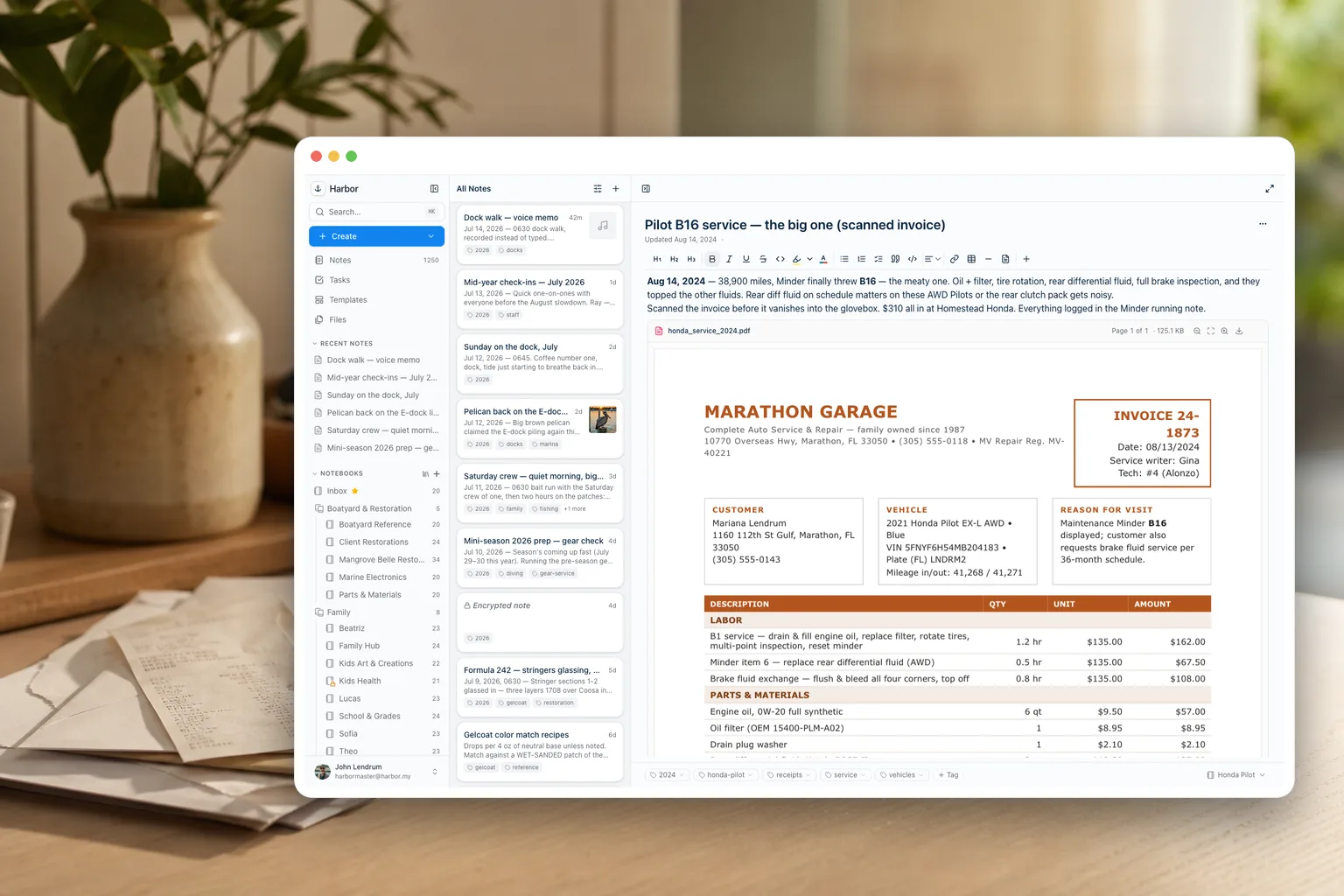
Scan
Turn paper into a searchable archive.
Point your phone at a document, ID card, warranty, or handwritten recipe. It's saved, OCR'd, and there when you need it years later — down to the words on the page.
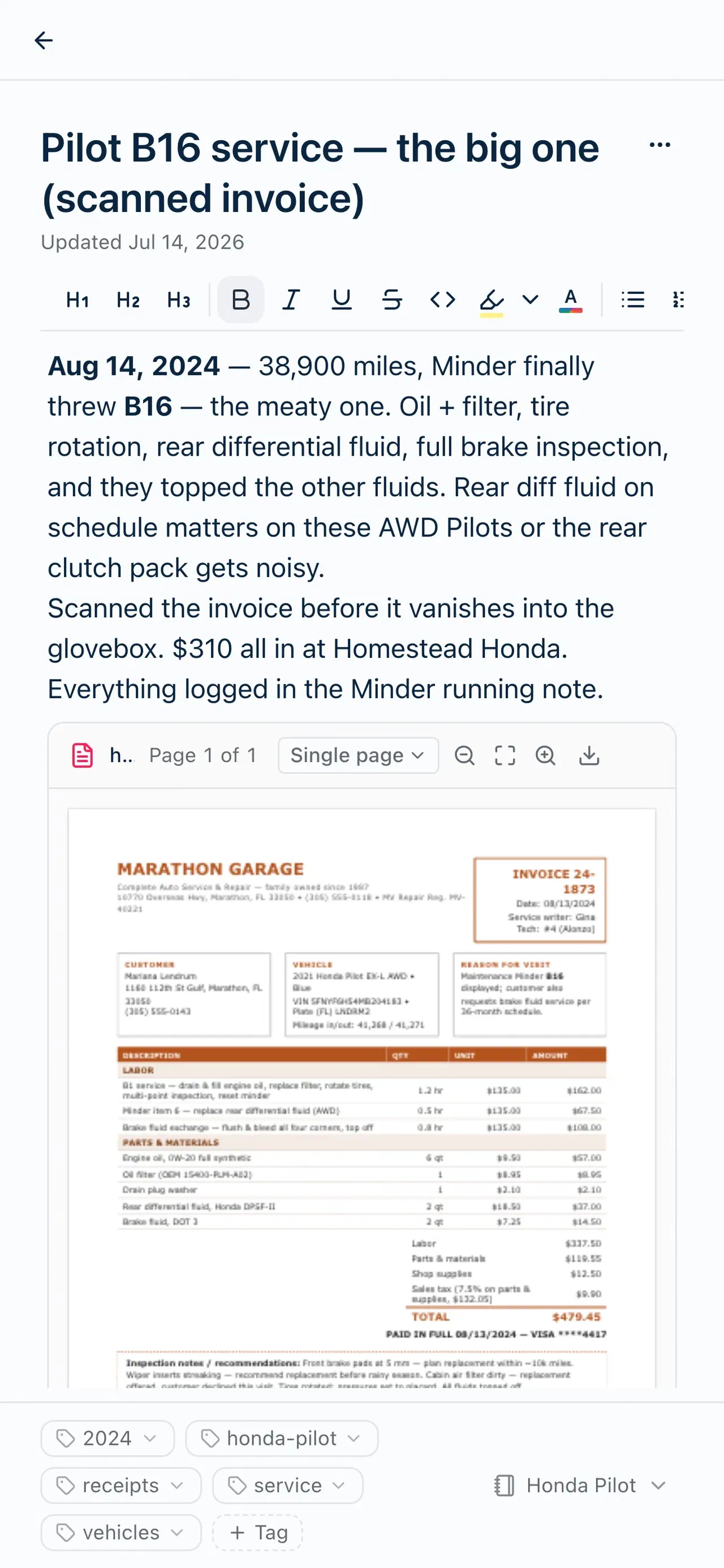
Watched folders
Scan the whole drawer. Walk away.
Point Harbor at the folder your scanner saves into — on your Mac or PC, or in Google Drive or Dropbox — and everything that lands there becomes a note on its own, filed in the notebook you picked and tagged the way you asked. Two switches go further. Turn on “suggest a title from the file’s contents” and the words on each page go to an AI that names the note from them, so you get “2026 Property Tax Statement” instead of scan_0042.pdf. Turn on “guess the notebook from the file’s contents” and those words, the file’s name, and your notebook names and recent note titles go to an AI that moves each scan to the notebook it fits. Both are off until you turn them on. Feed it the stack, come back to an archive.
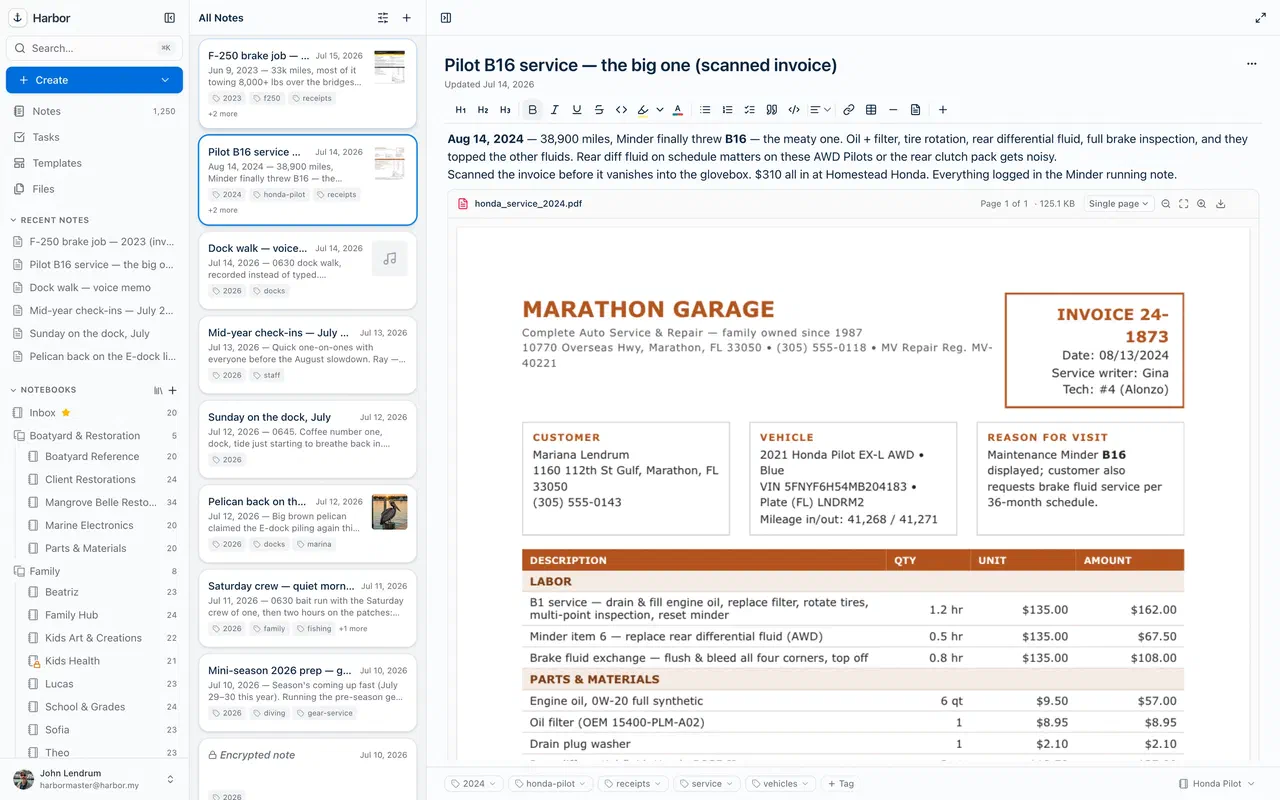
Record
Meetings become searchable notes.
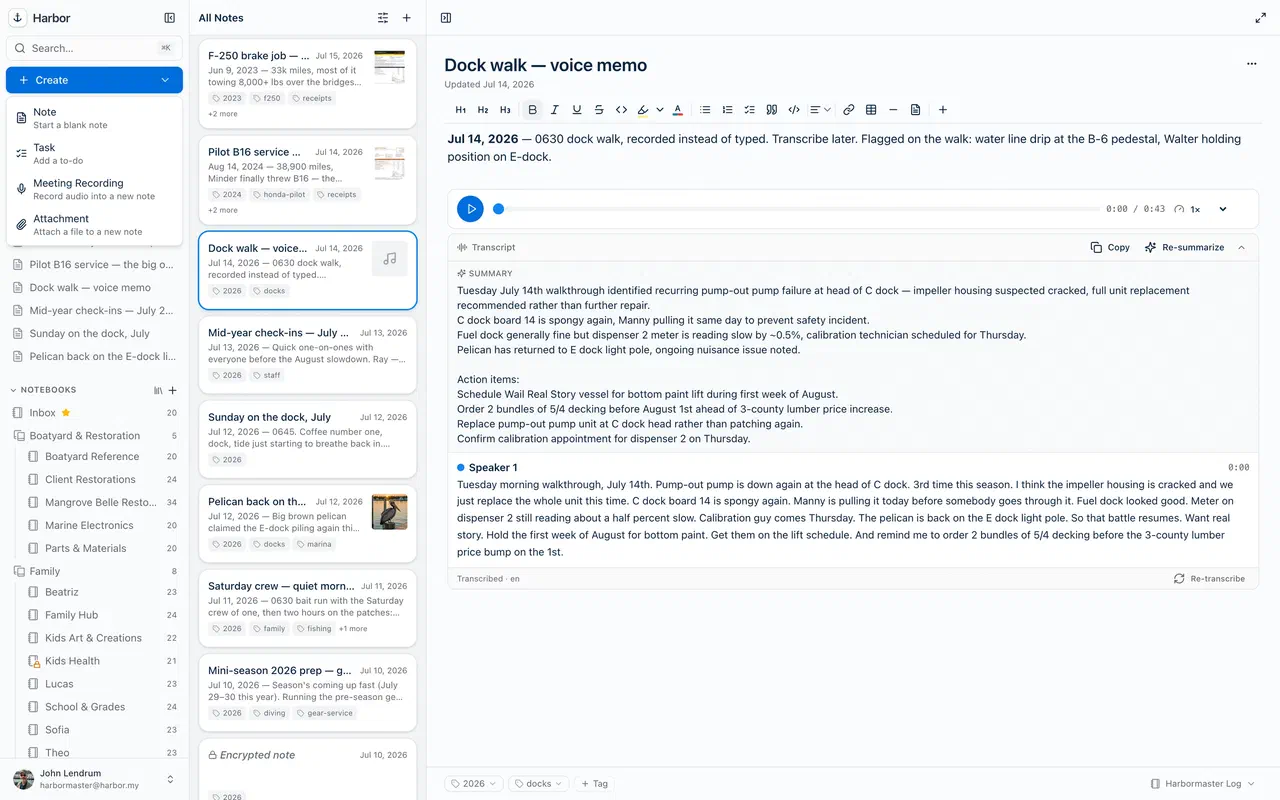
Record audio — including system audio on the web and Mac, so the call comes through too — then press Transcribe for a speaker-labeled transcript you can search like any note, with a summary when you want the short version.
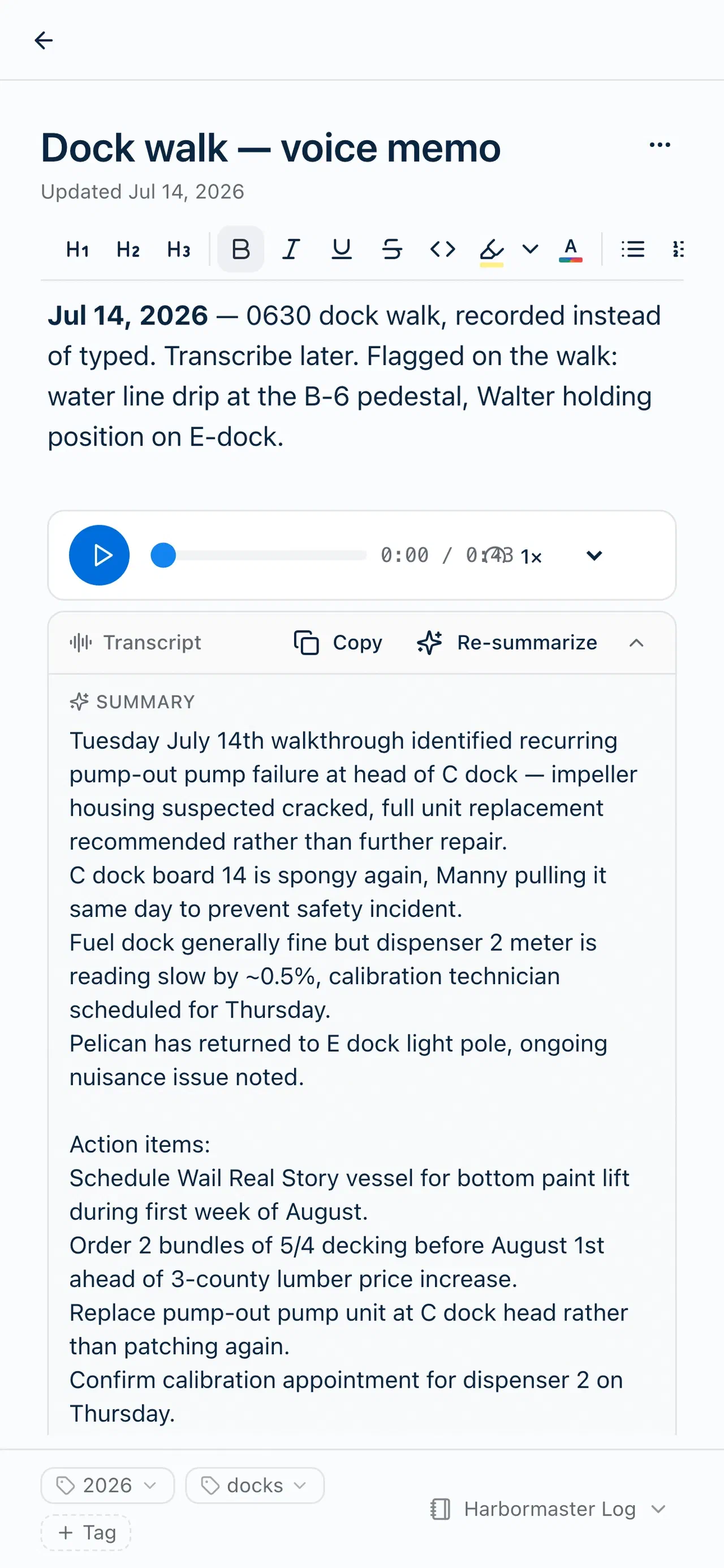
Keep
The stuff you'd hate to lose.
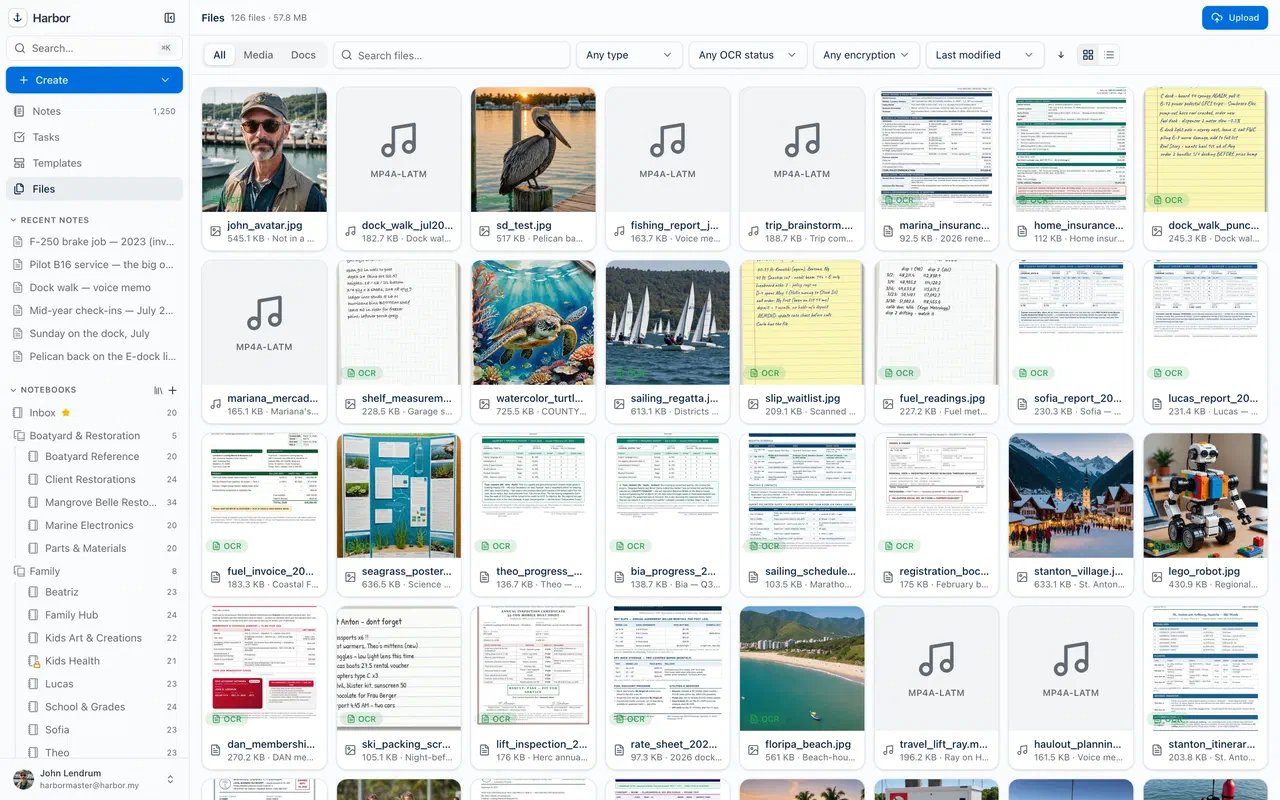
Photos, PDFs, spreadsheets, kids' art, report cards — kept for good, synced everywhere, and never filling your disk. Harbor pulls files down only when you need them.
Add fast
Capture in a tap.
A new note, task, recording, or attachment from one button — or the Web Clipper, a global desktop hotkey, your phone's share sheet, or email-to-note at your private Harbor address.
Common questions
Can I email things into Harbor?
@m.harbor.my address — forward mail to it and the subject becomes the title, the body becomes the note, and attachments come along. Images and PDFs get OCR’d, and a text or Markdown file’s words go into the note too. An @Notebook or #tag in the subject files it as it lands. How email to notes works →Can someone else email notes into my account?
Why did a note from my watched folder rename itself?
Why did a note from my watched folder move to another notebook?
Does everything I capture get OCR'd?
Keep exploring
Anchored. Private. Yours.
If it matters, harbor it.
Start free and capture your first scan in the next five minutes.
Free plan to start · No credit card