Encryption & Privacy
Lock down what matters most.
Turn on zero-knowledge encryption for any note or notebook — the keys never leave your device, so only you can read them. It's optional, so you decide what's private.
Free plan to start · No credit card
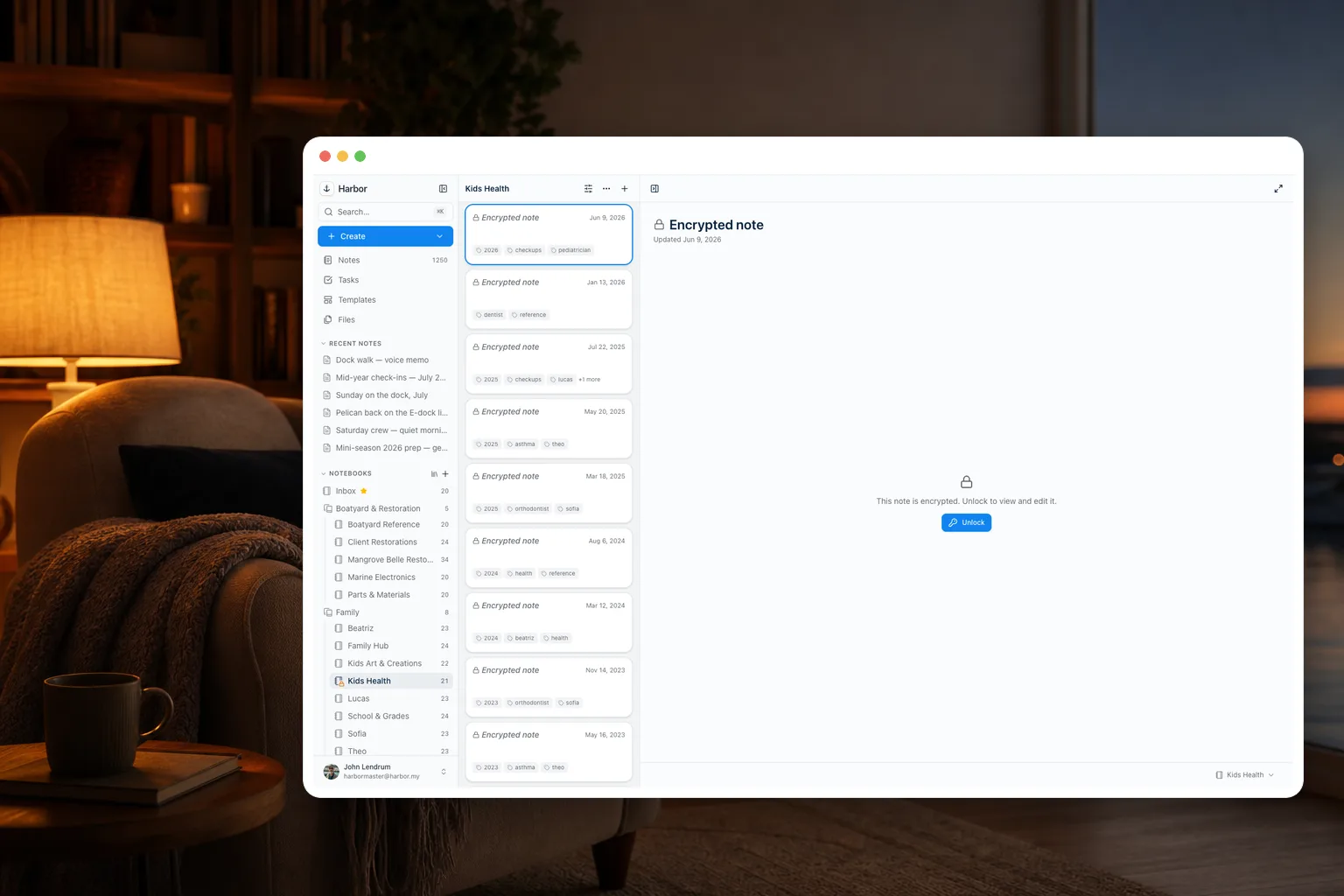
Zero-knowledge
We can't read your encrypted notes. On purpose.
Encryption happens on your device — Argon2id and AES-256-GCM, the boring, proven kind — and the server only ever sees ciphertext. There is no master key, no support backdoor, no exceptions.
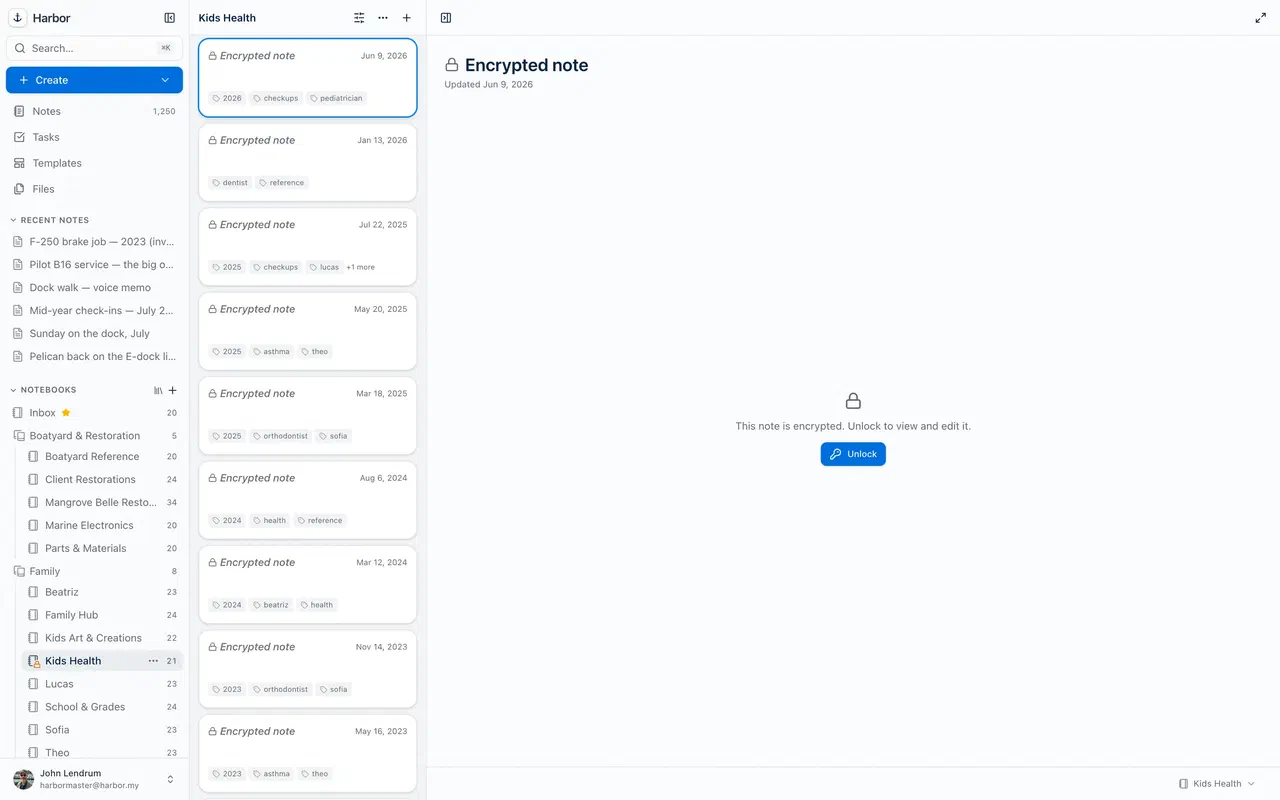
Your key
You hold the key — literally.
Unlock with your passphrase or Touch/Face ID, lock it again with a single keystroke, and Harbor locks itself when idle. Lose the passphrase, and even we can't recover that content. That's what real means.
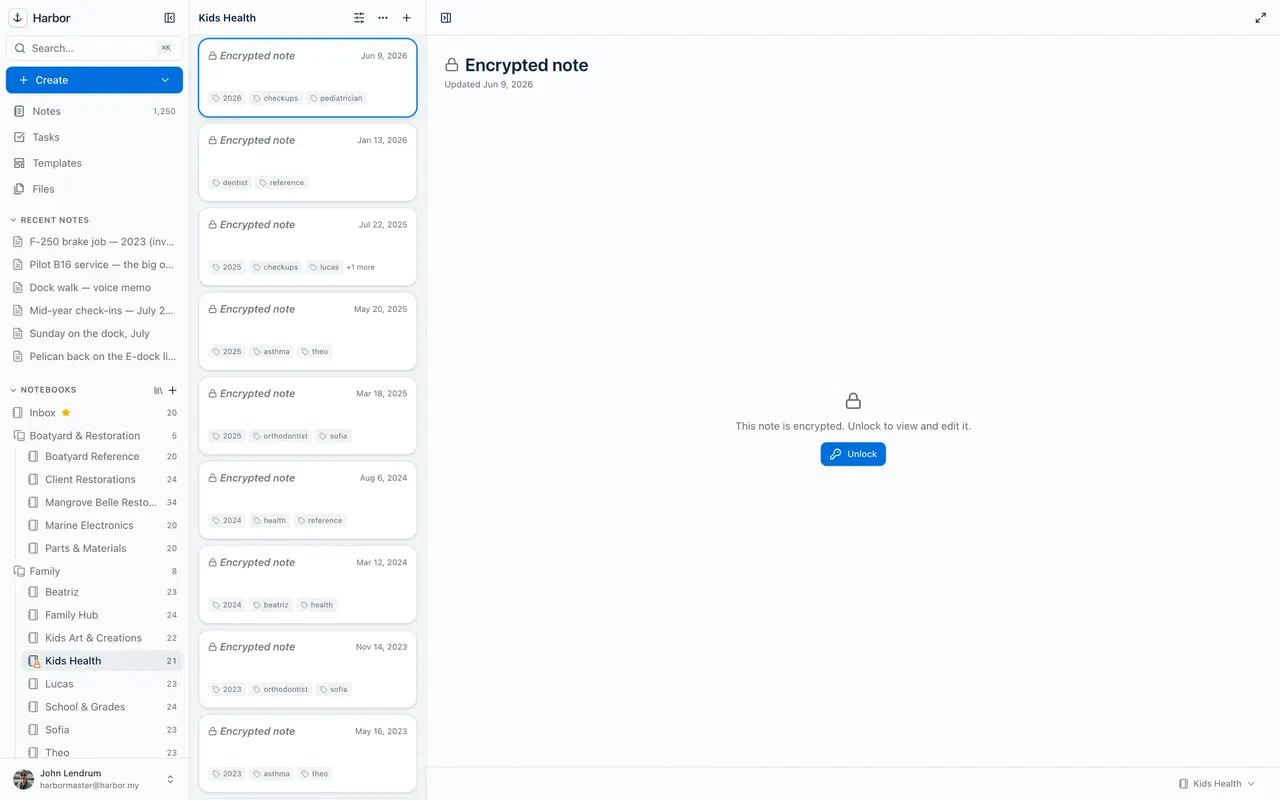
Your call
Encrypt one note, or a whole notebook.
Auto-encrypt a sensitive notebook — finances, health, IDs — and every note you create there is sealed on the way in. Nothing is encrypted unless you choose it, and everything else stays fully powered.
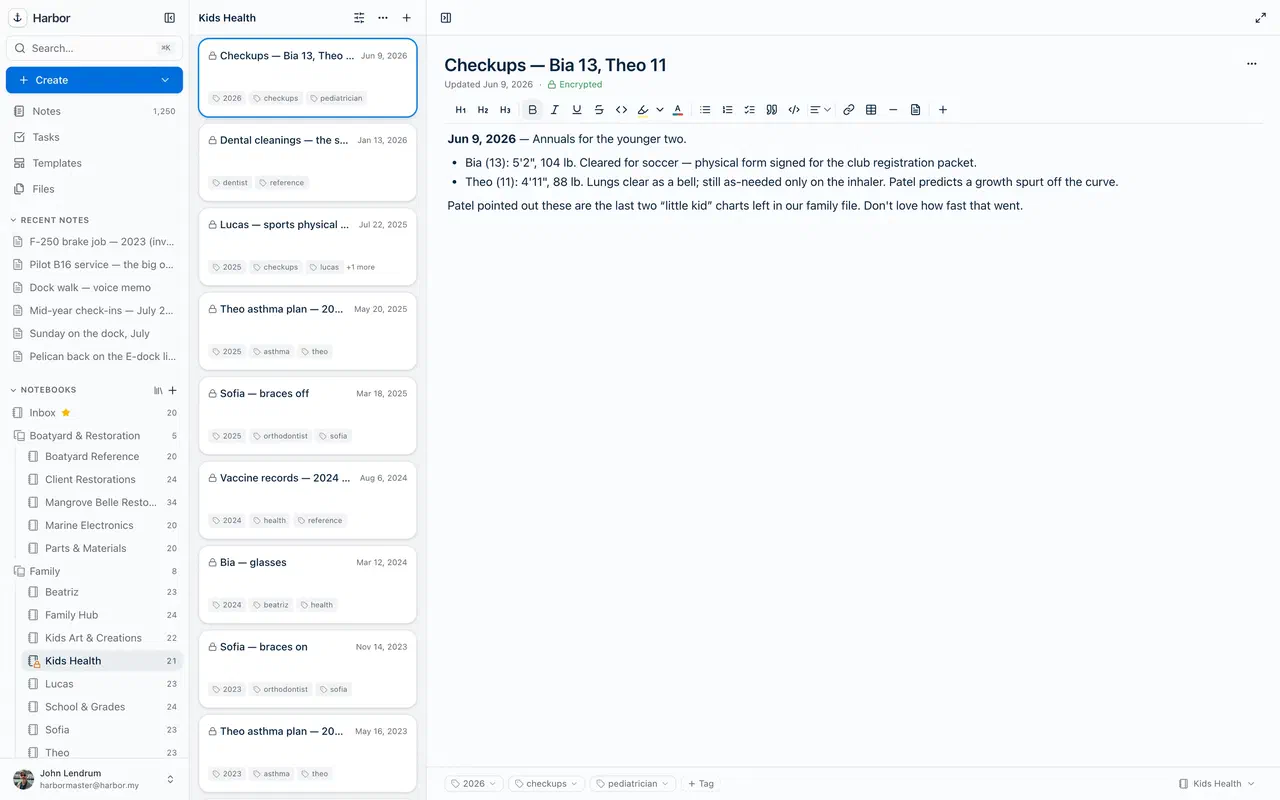
By principle
Private even when it's not encrypted.
No ads, no trackers, never sold, never used to train anyone's AI. Encrypted or not, your notes are yours — and yours to export, anytime.
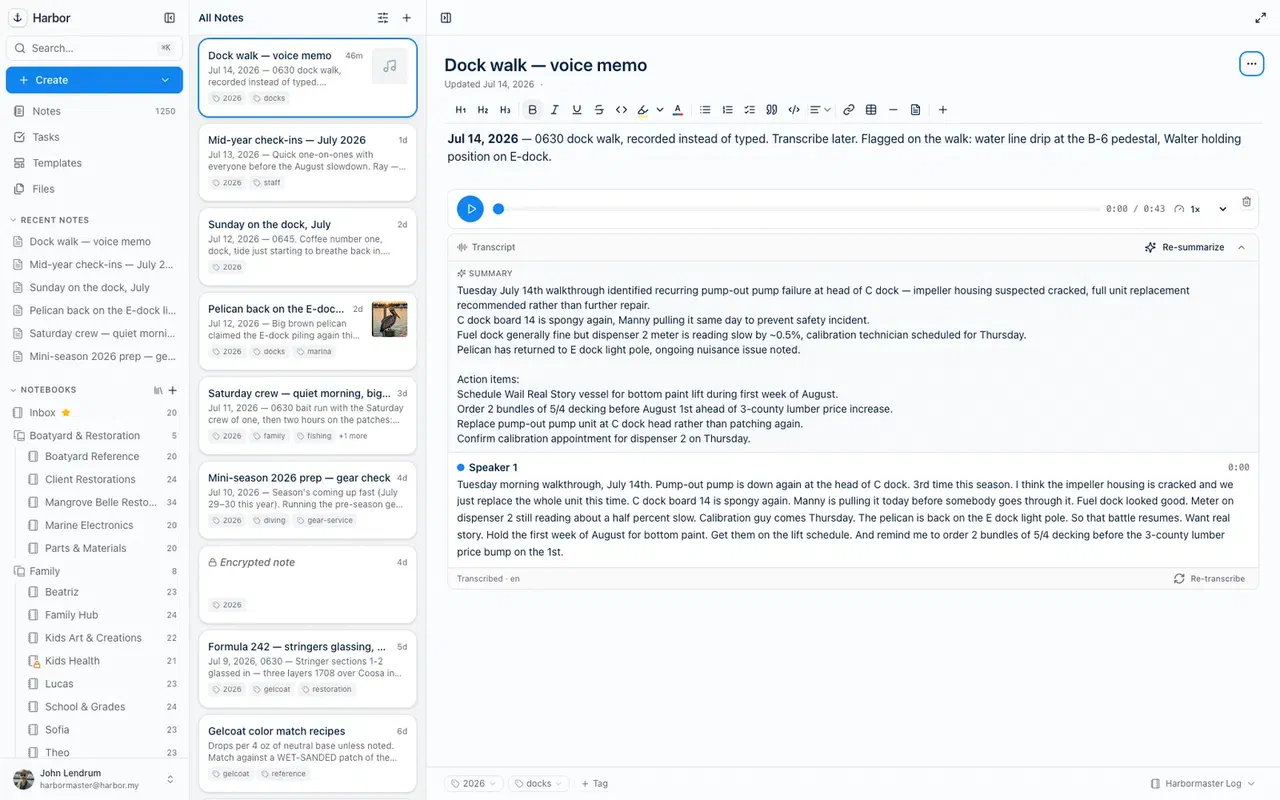
The honest trade-off: because we genuinely can’t read an encrypted note, it isn’t OCR’d, doesn’t appear in search, and is invisible to your AI, CLI, and MCP. In the web app, moving an existing note into an auto-encrypt notebook now makes that trade for it on the way in — and moving it back out doesn’t undo it, so removing encryption is a deliberate step. The other apps are following. Encrypt the sensitive things; keep the rest fully powered.
Anchored. Private. Yours.
Privacy that's real, not a slogan.
Start free and put a lock on the notes that need one.
Free plan to start · No credit card