Search & OCR
Find it, even when it's buried in a file.
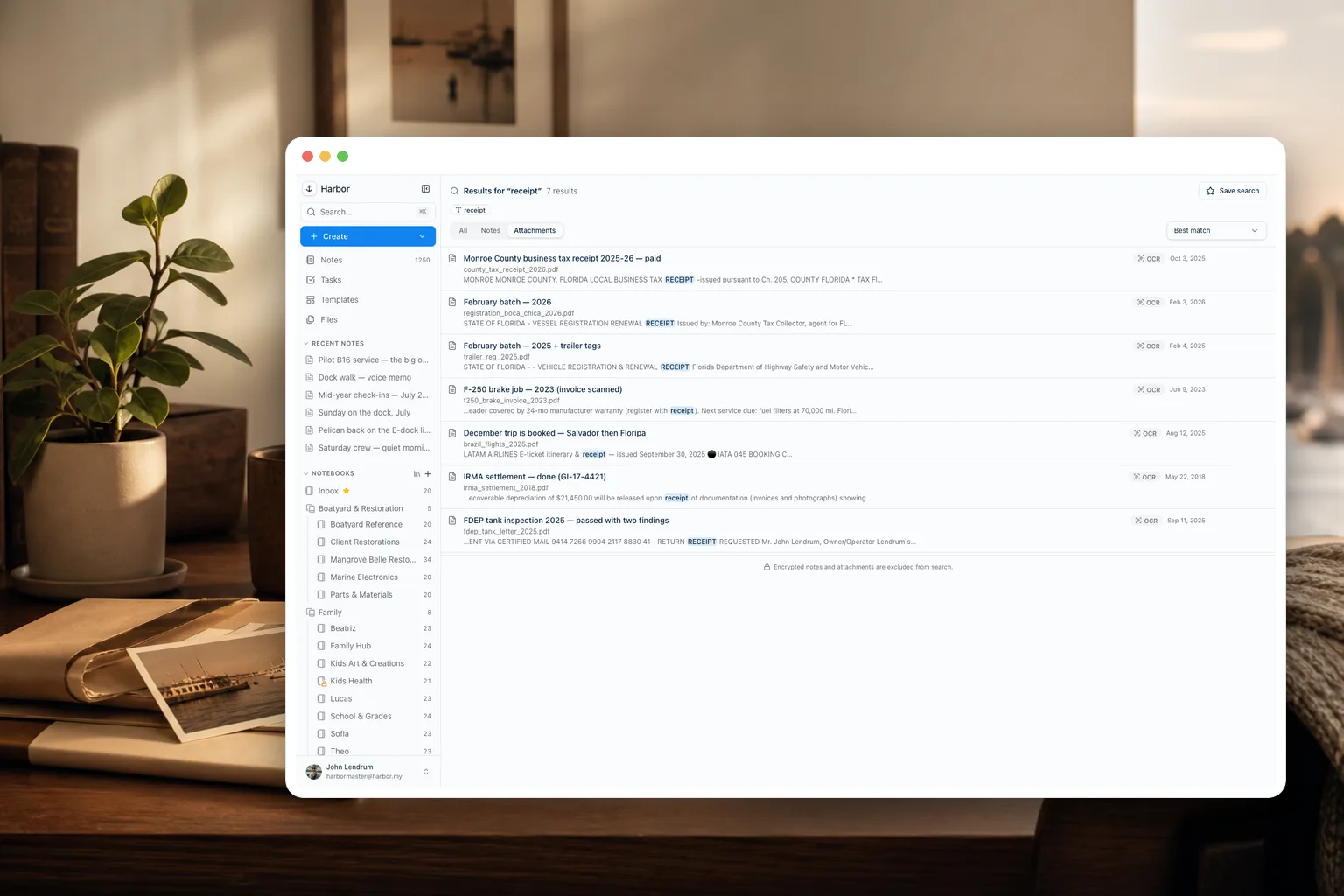
Harbor reads the words inside your photos, scanned PDFs, handwriting, and Word, Excel and PowerPoint files. On a photo or a PDF, it highlights the match in yellow, right on the page. Most notes apps can't do this.
Free plan to start · No credit card
OCR
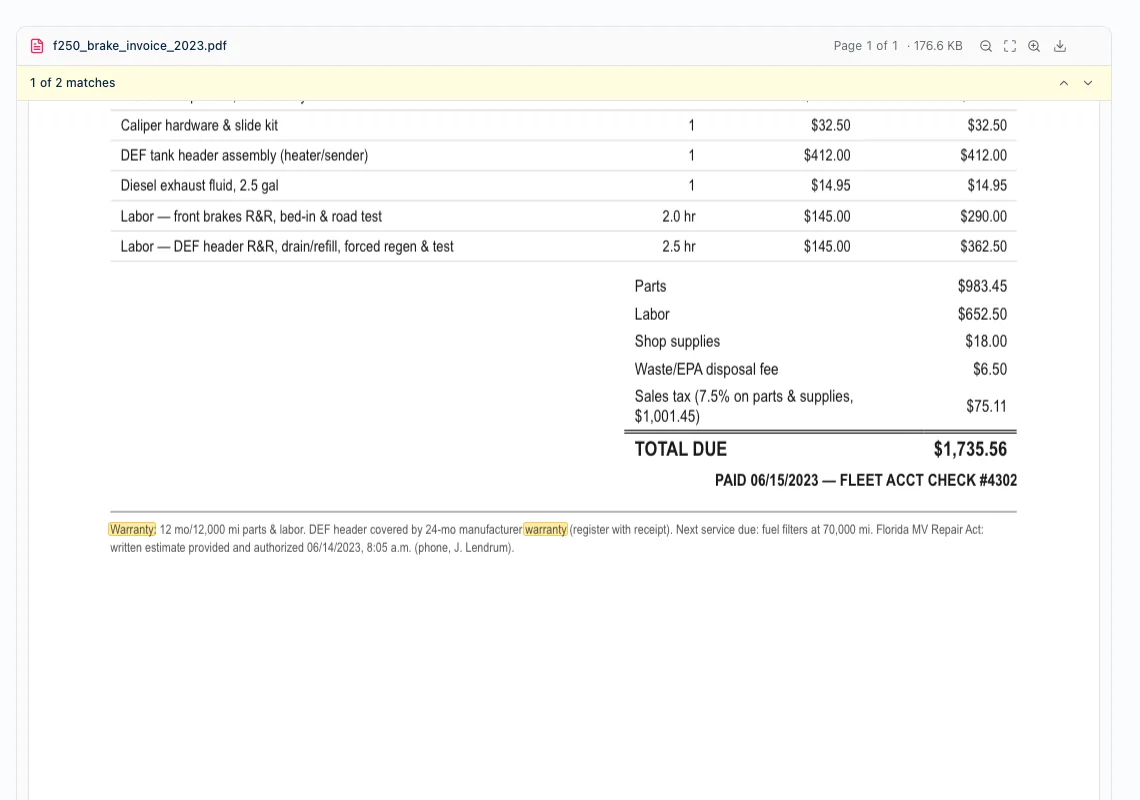
The match, highlighted on the page.
Every photo, scan, and PDF is OCR'd automatically. Search a word and Harbor doesn't just find the file — it paints the match in yellow on the document itself, with a next/previous counter to jump between hits. Even for attachments you haven't downloaded to this device.
Handwriting
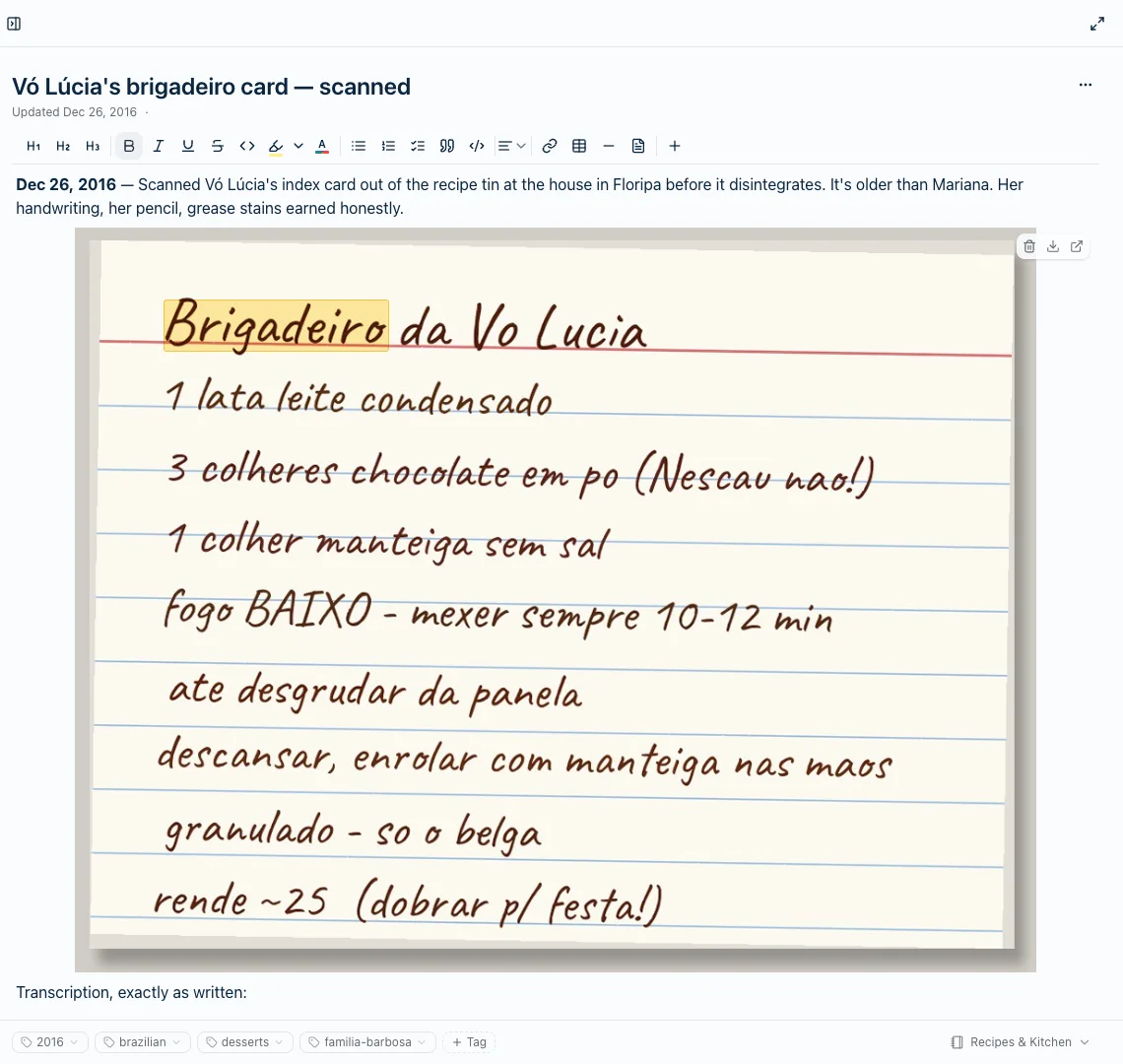
Even a photo of your handwriting.
Handwrite a note, snap a photo, and it's searchable. This recipe card was photographed in 2016 — search the dish and Harbor lights the word up on the handwriting itself, a decade later, with a typed transcription below it.
Grammar
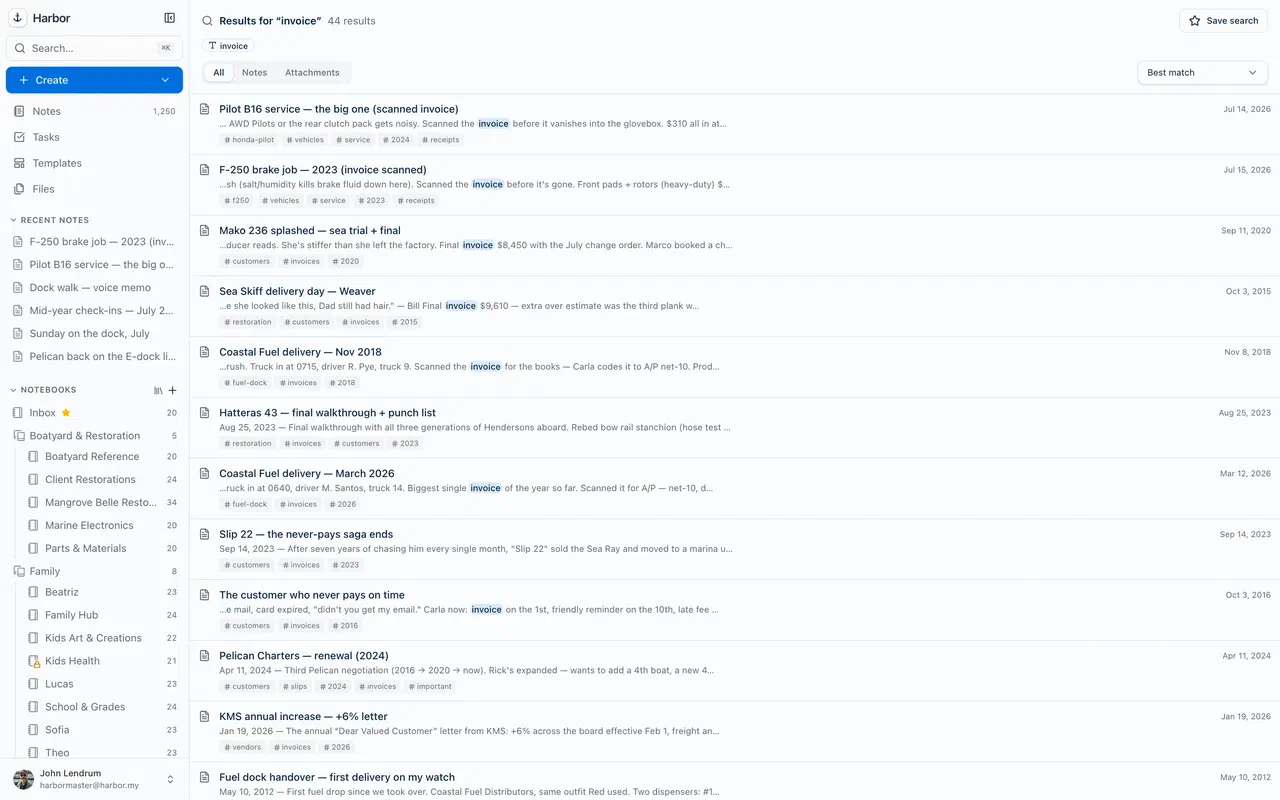
Search the way you think.
Plain words and phrases work. So do tag:, notebook:, and dates when you want precision. Type two words and let Harbor surface the right note. The words inside Word, Excel, PowerPoint and text files count, and so do file names: search xlsx and your Excel files turn up.
Audio
Your recordings, word for word.
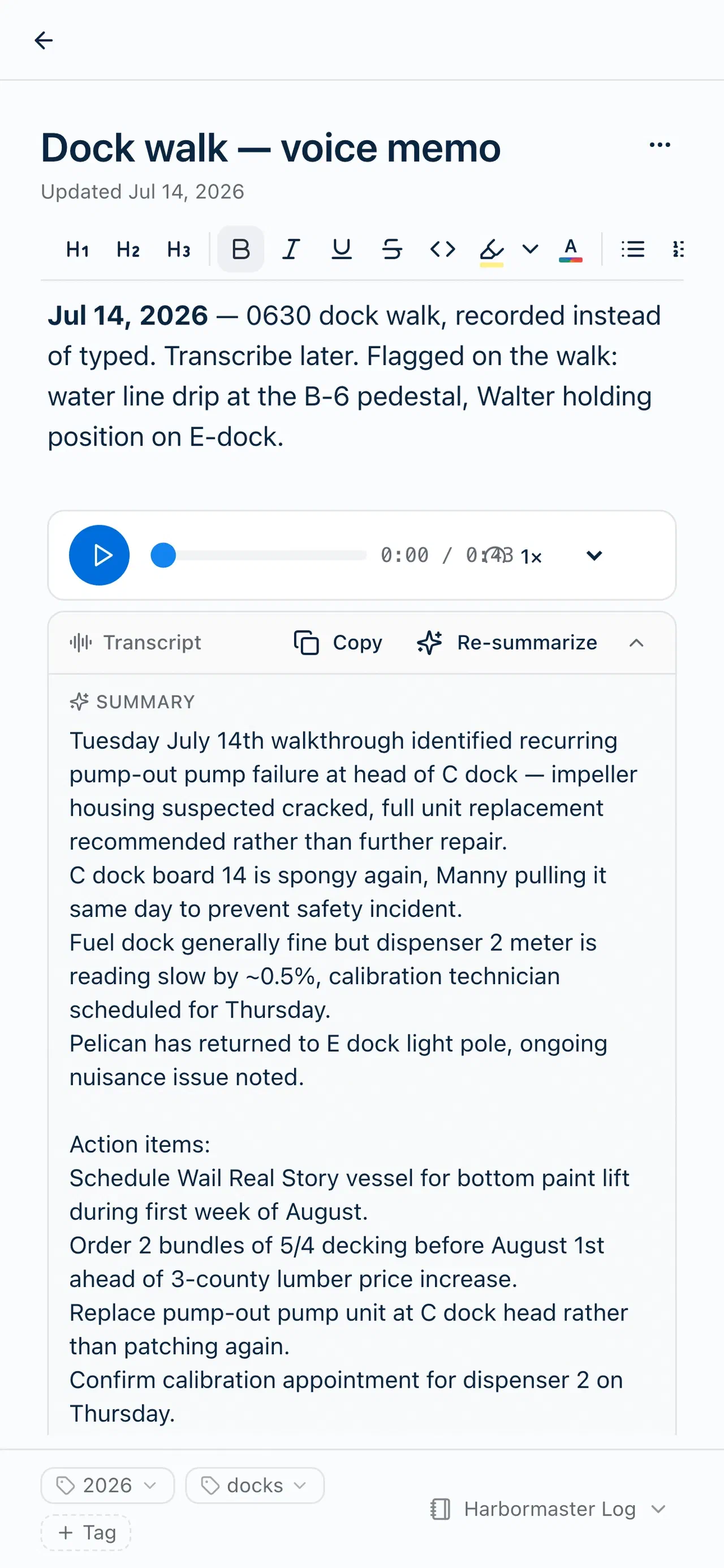
Press Transcribe and a meeting or voice memo becomes speaker-labeled text you can search like any note. Say it once, find it forever.
Fast
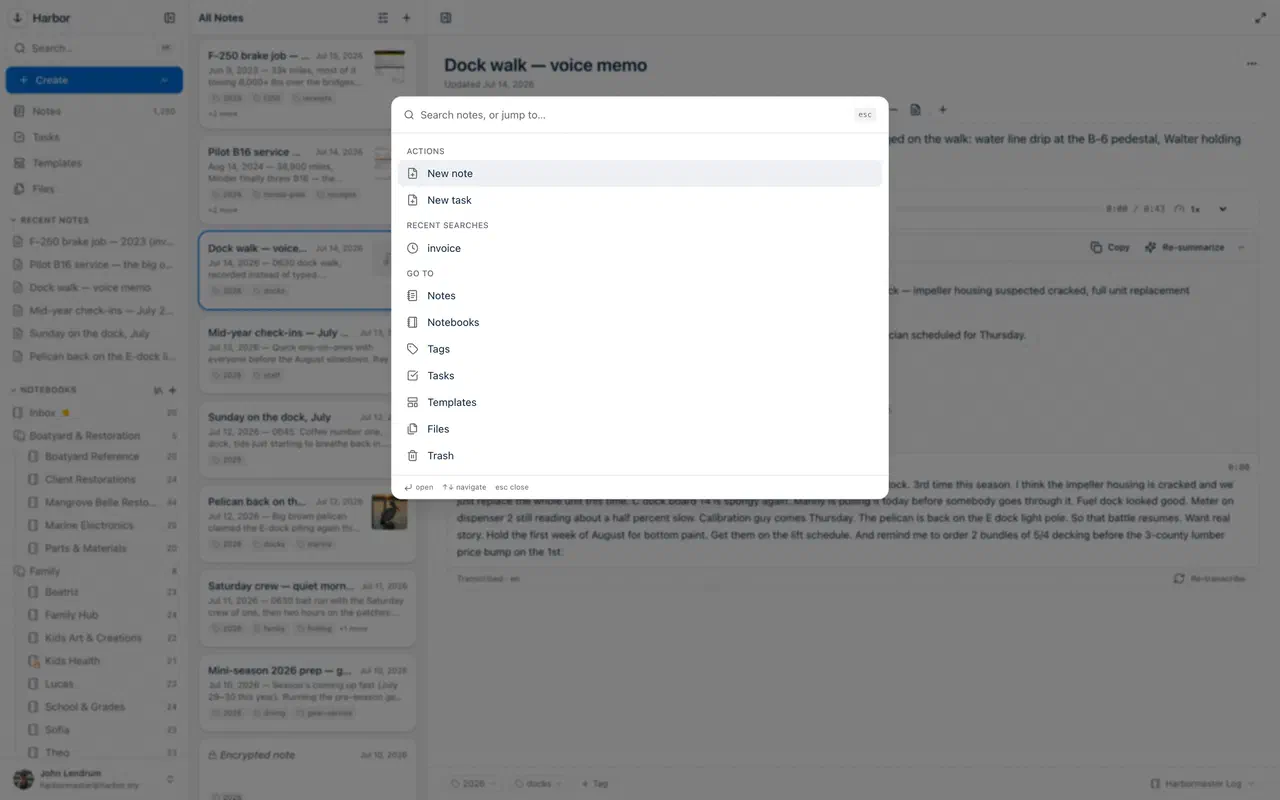
A ⌘K away.
A command palette jumps to any note, notebook, or saved search instantly — hands on the keyboard, no mouse required.
One honest exception: notes you encrypt are excluded from search and OCR by design — we truly can’t read them. How encryption works →
Anchored. Private. Yours.
Stop re-filing. Start finding.
Search that reads your files means organization is optional. Start free today.
Free plan to start · No credit card